ProjectPlace's document management tool was holding teams back due to it's clunky navigation, fragmented workflows, and access controls. The revamp set out to make documents a genuine strength of the platform, not a friction point.
The primary objective was to increase user engagement and retention. A well-executed document management experience would deepen the platform's value and create a stickier, more cohesive product. One teams couldn't imagine working without.
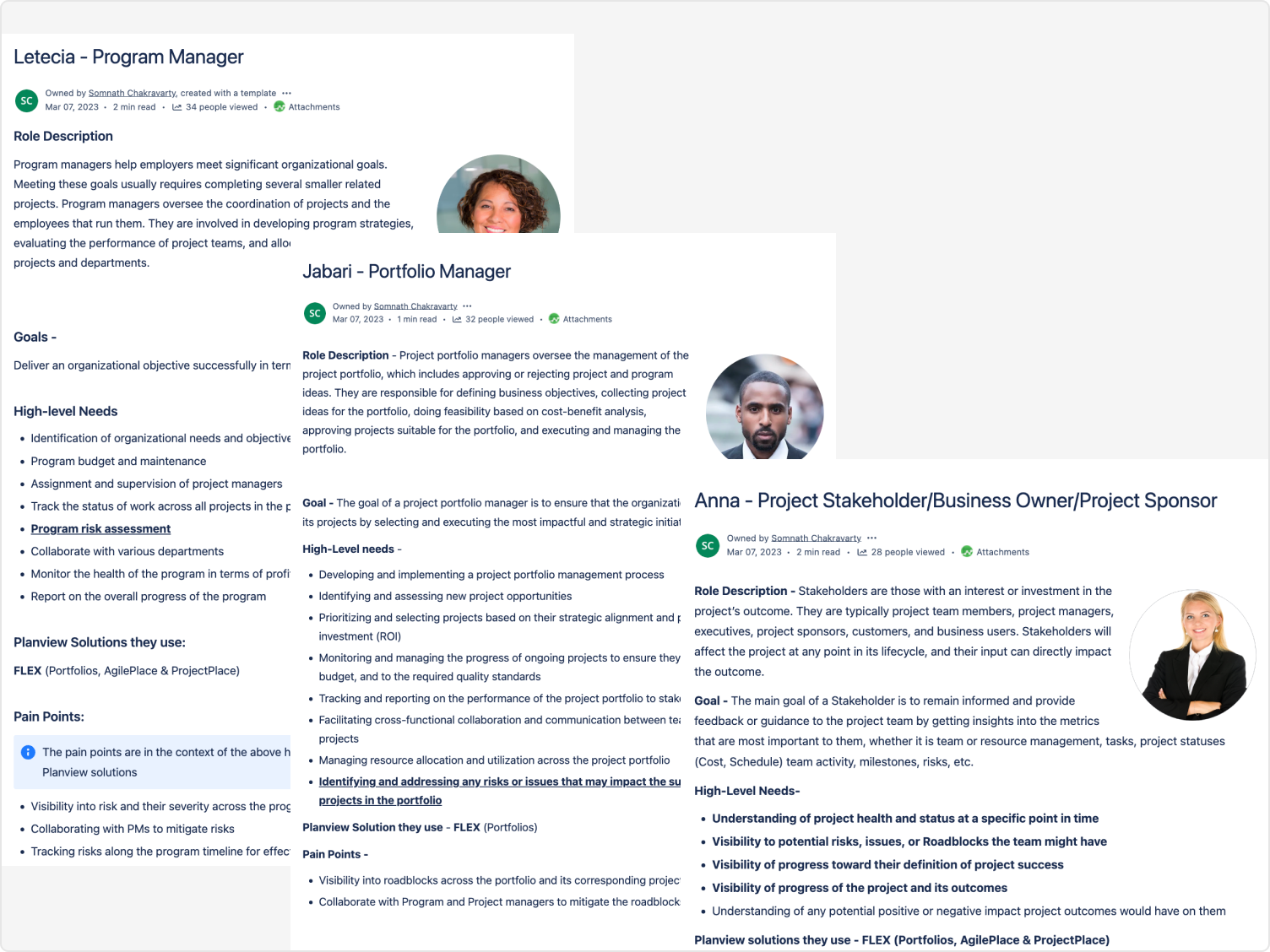
I ran a mixed-methods research program to understand real user behavior before designing anything: in-depth interviews, surveys via SurveyMonkey, hands-on usability tests, competitive benchmarking against Google Drive, Dropbox, and OneDrive, journey mapping, and fly-on-the-wall field studies.
The pattern was consistent. Users were not struggling because the tool lacked capabilities. They were struggling because finding the right document took too long, collaboration broke down across teams, and access controls were either too rigid or too vague to trust.
"I spend more time searching for the right file than actually working on it. By the time I find it, I've lost my train of thought entirely."
— Project Manager, technology sectorThe redesign was built around five principles that shaped every decision from IA to interaction design.
Ease of use. Simplify the interface so it works for all users, regardless of technical proficiency. Integration. Connect documents seamlessly to Kanban, Gantt, and road-mapping tools. Collaboration. Real-time editing and commenting for teams working simultaneously. Security. Robust role-based access control (RBAC) without creating administrative burden. Flexibility. Smooth workspace switching without losing project context.
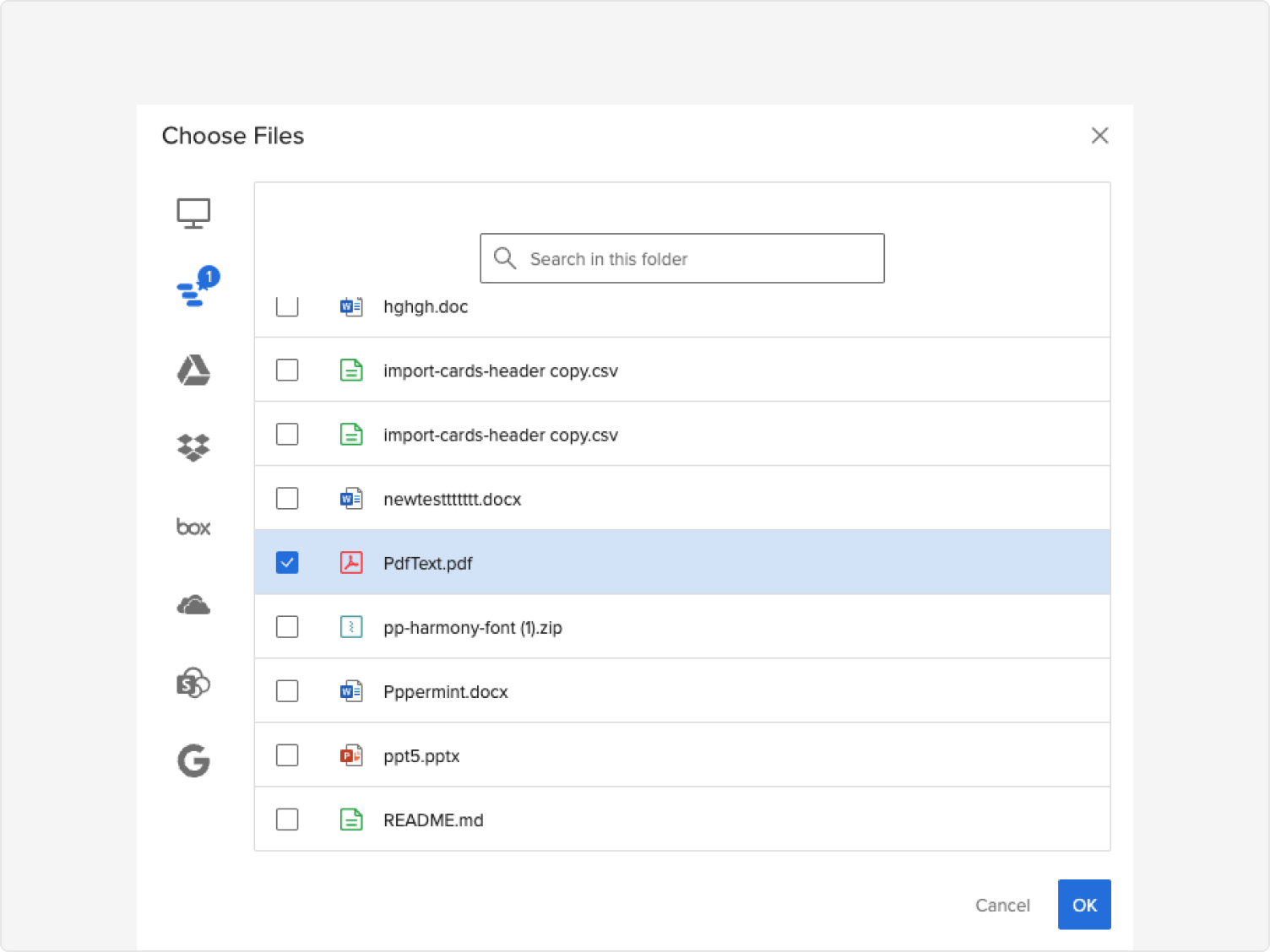
The biggest shift wasn't visual — it was conceptual. Documents had been treated as a standalone feature. The redesign positioned them as a layer woven through every workflow: linked to Kanban tasks, embedded in Gantt plans, tied to road-mapping milestones.
This required standardized APIs and middleware to ensure consistent data flow across all ProjectPlace tools. The result: one connected project environment instead of isolated silos.
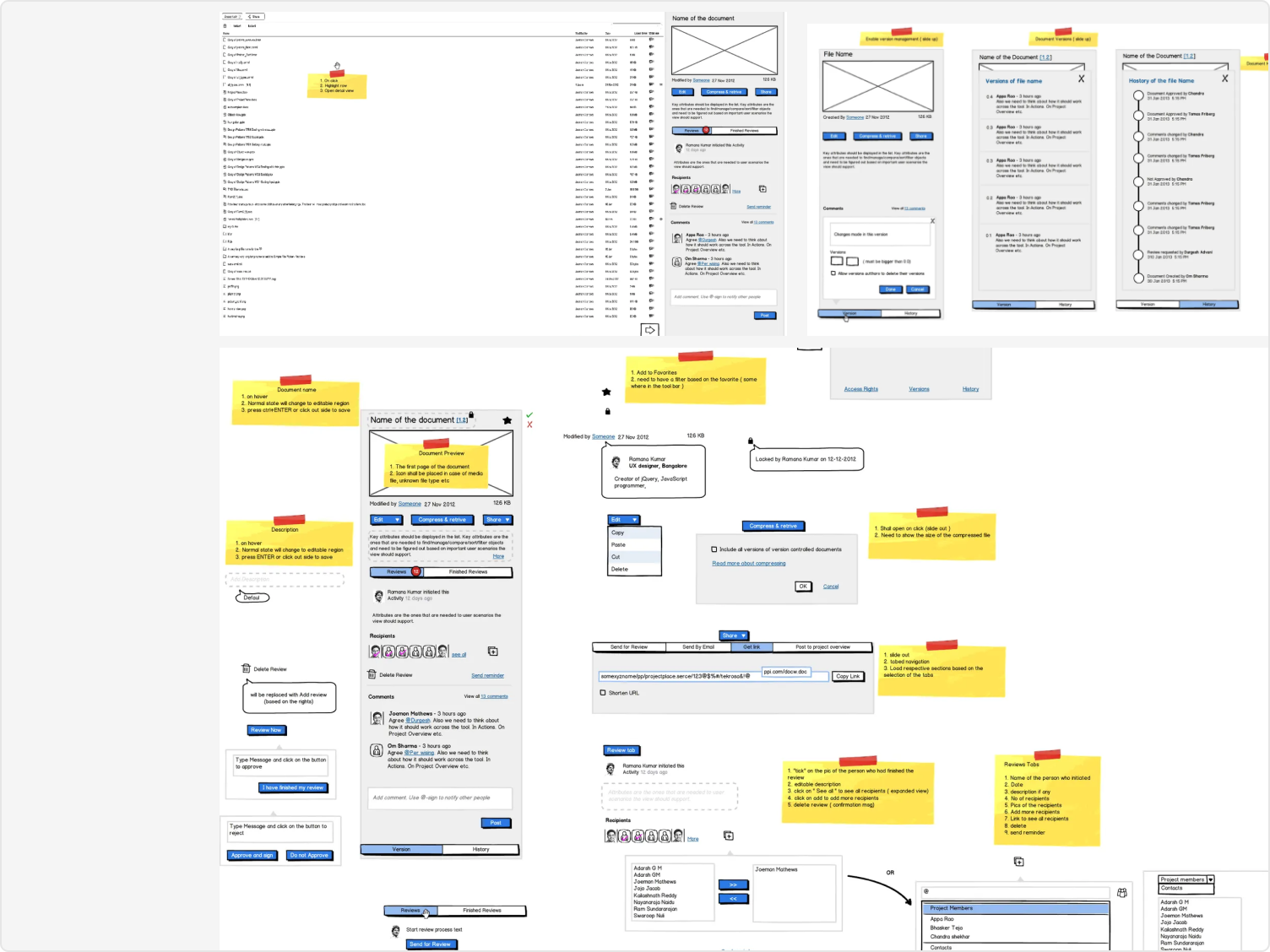
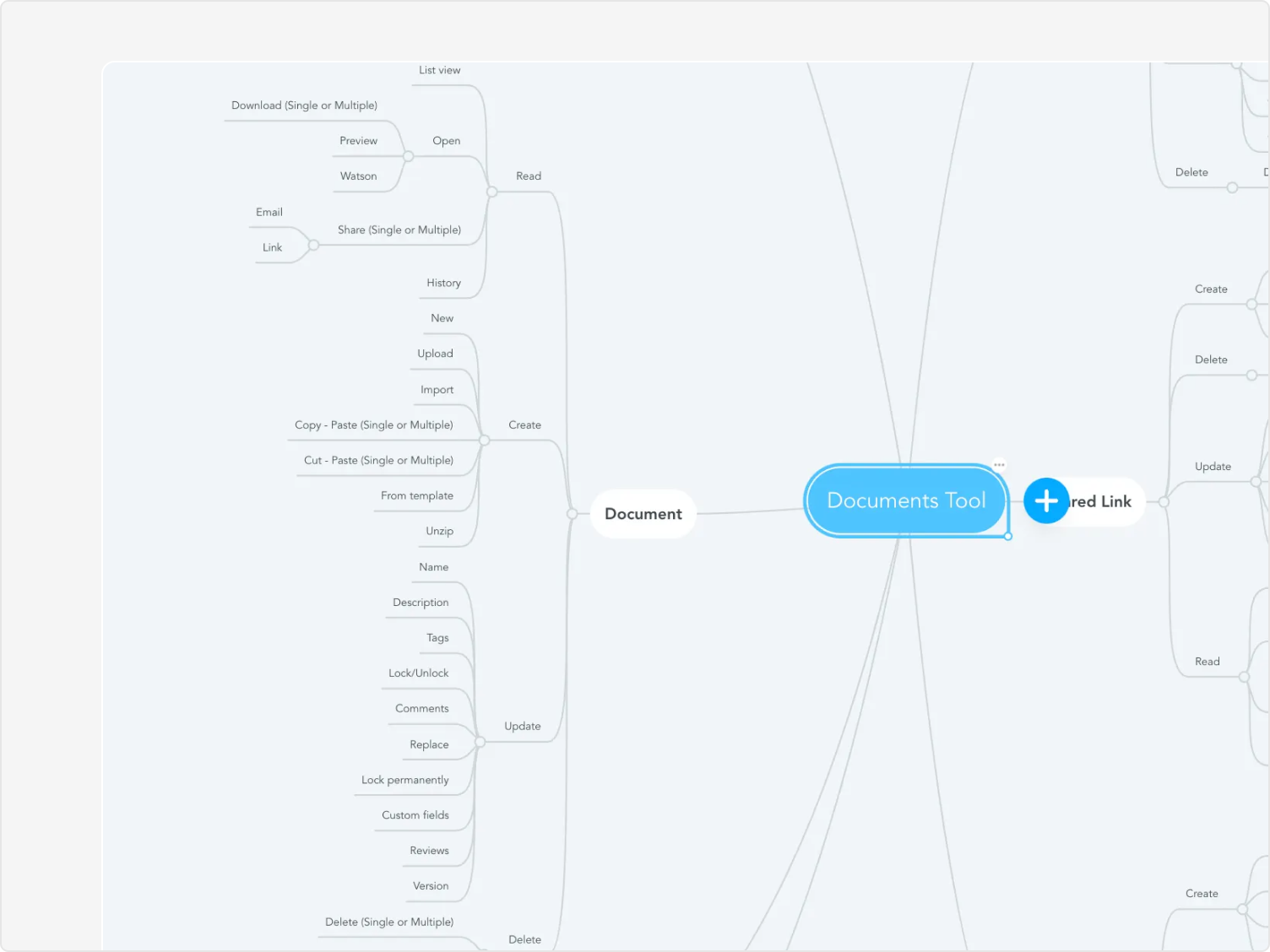
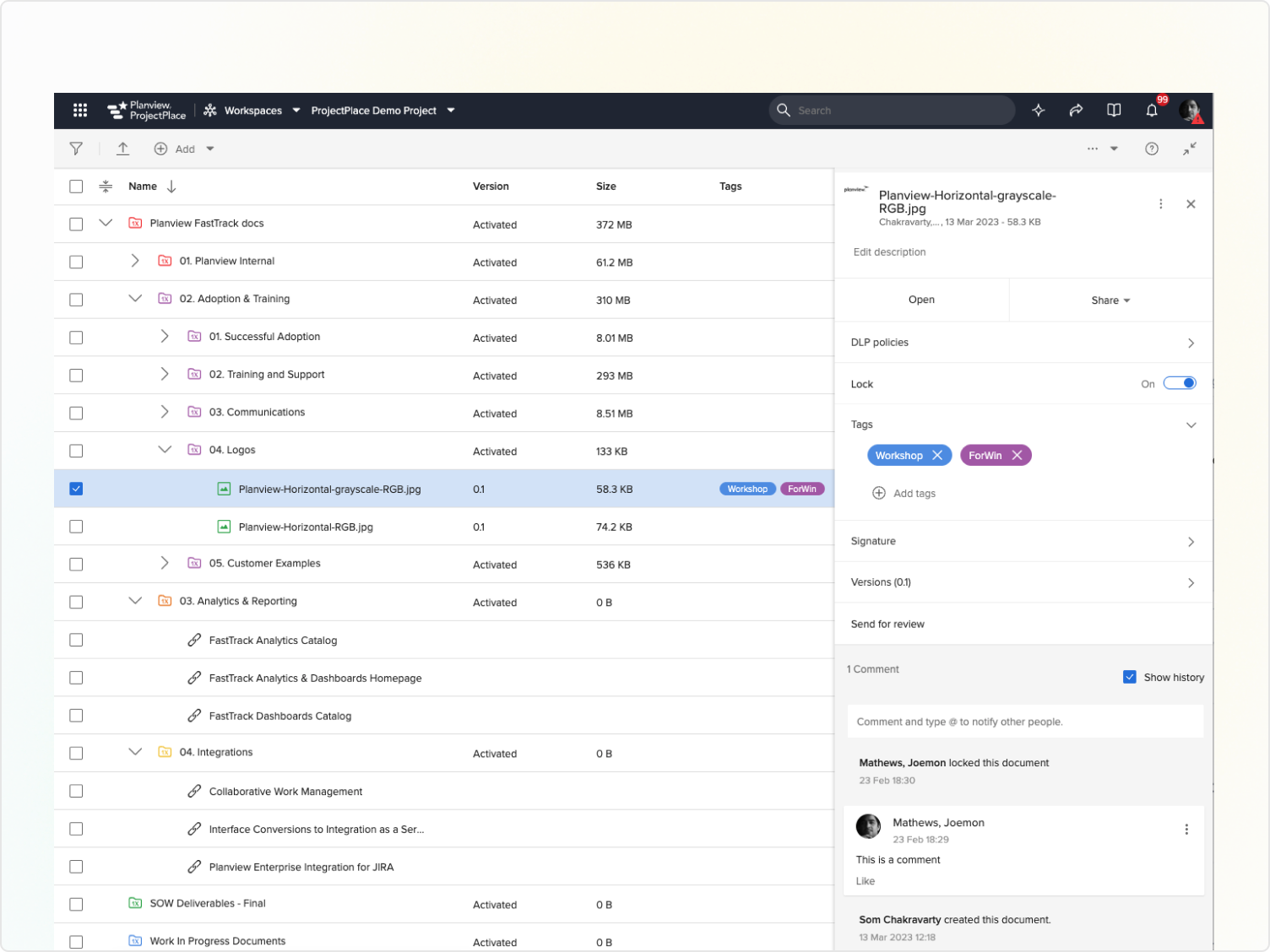
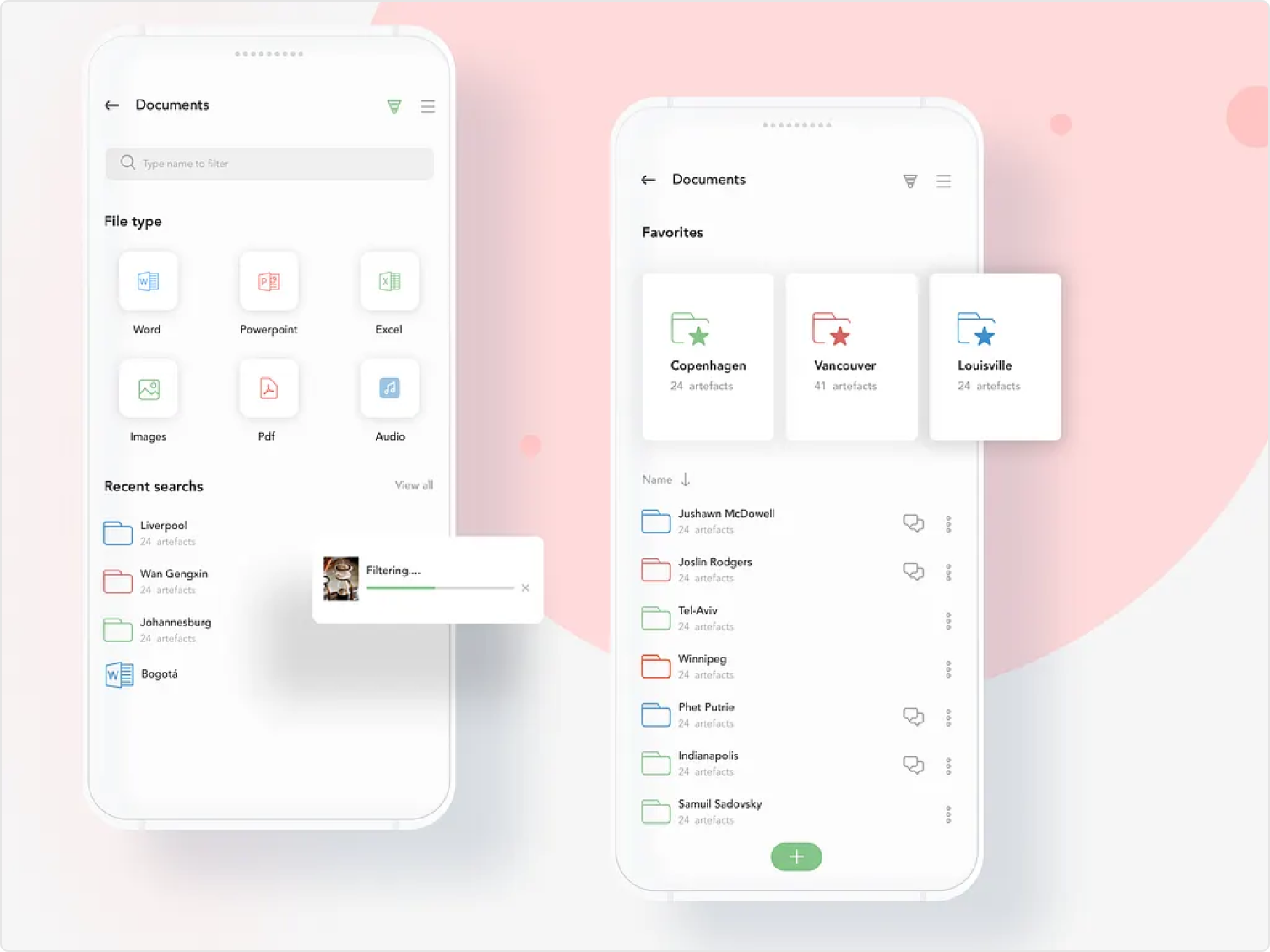
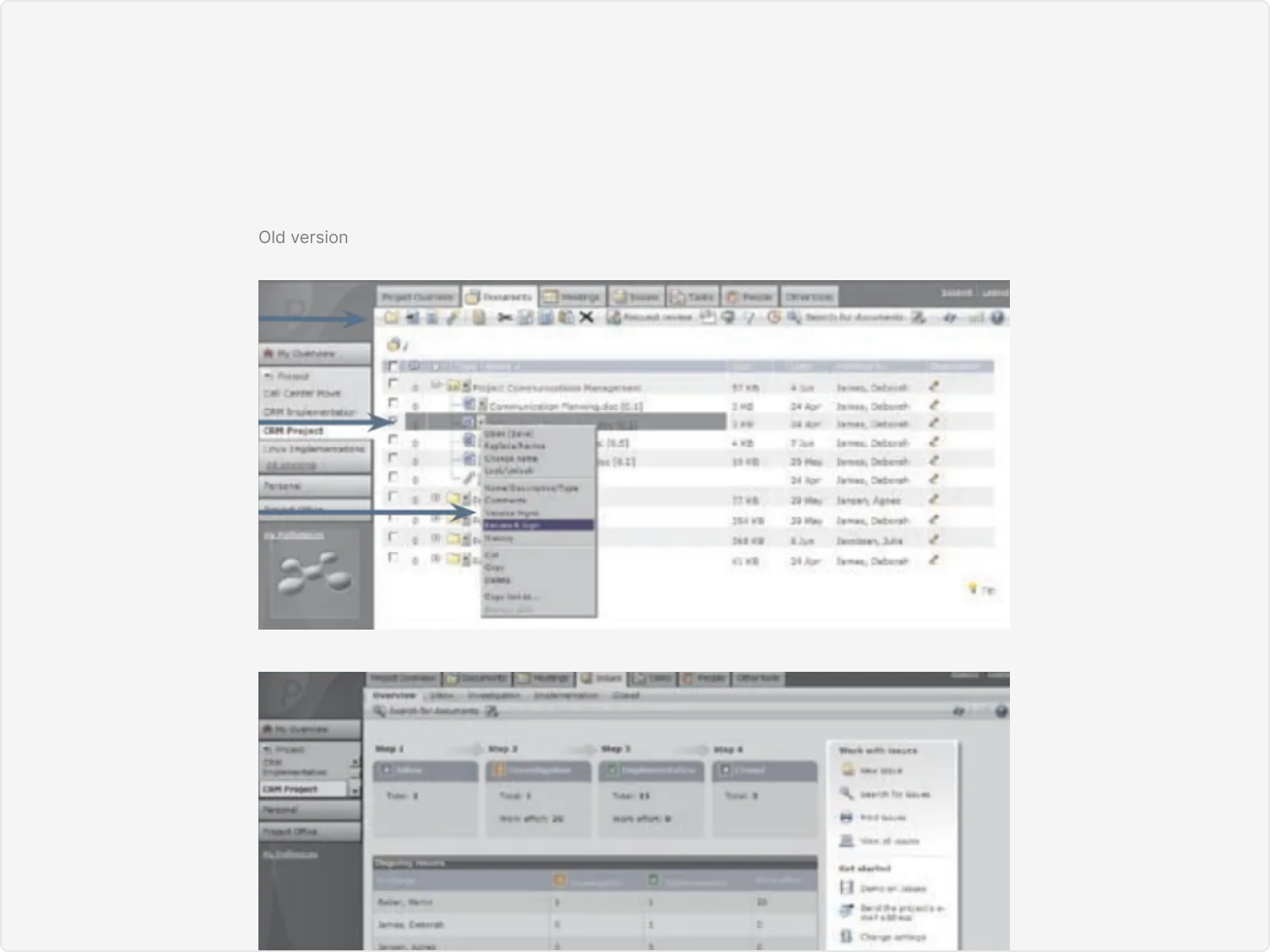
Redesigned the information architecture from the ground up. Fewer steps to find, open, and manage documents. Clear hierarchy that matches how teams actually think about their files — not how the system organizes them internally.
Introduced simultaneous editing and contextual commenting. Teams can work on the same document without version chaos, with changes surfaced in real time and full history preserved.
Every change tracked. Full document history accessible. Teams can iterate with confidence — no more fear of overwriting work or losing earlier versions.
Keyword, tag, and filter-based search that surfaces the right document fast — even across large, multi-project libraries. No more guessing folder structures.
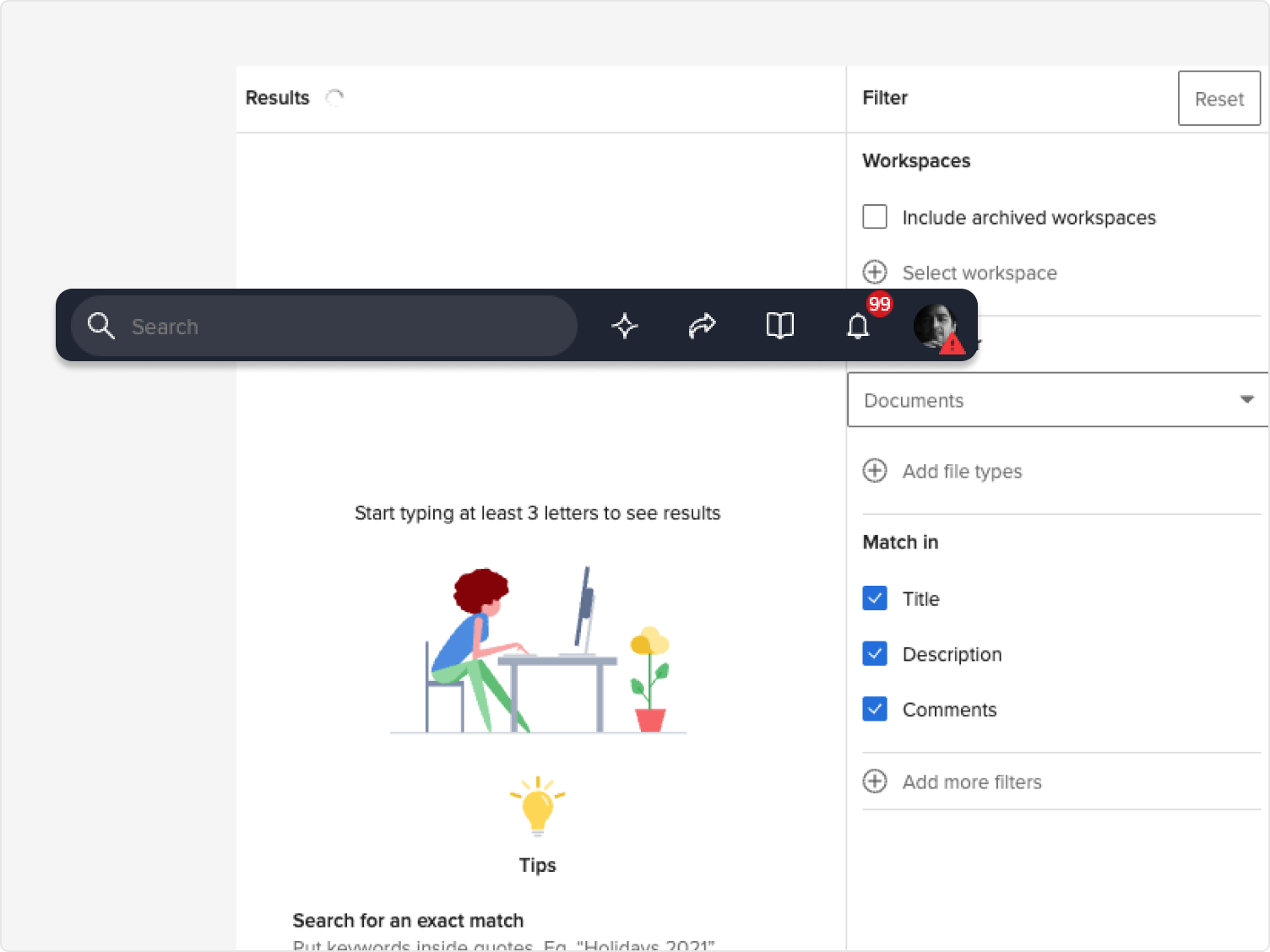
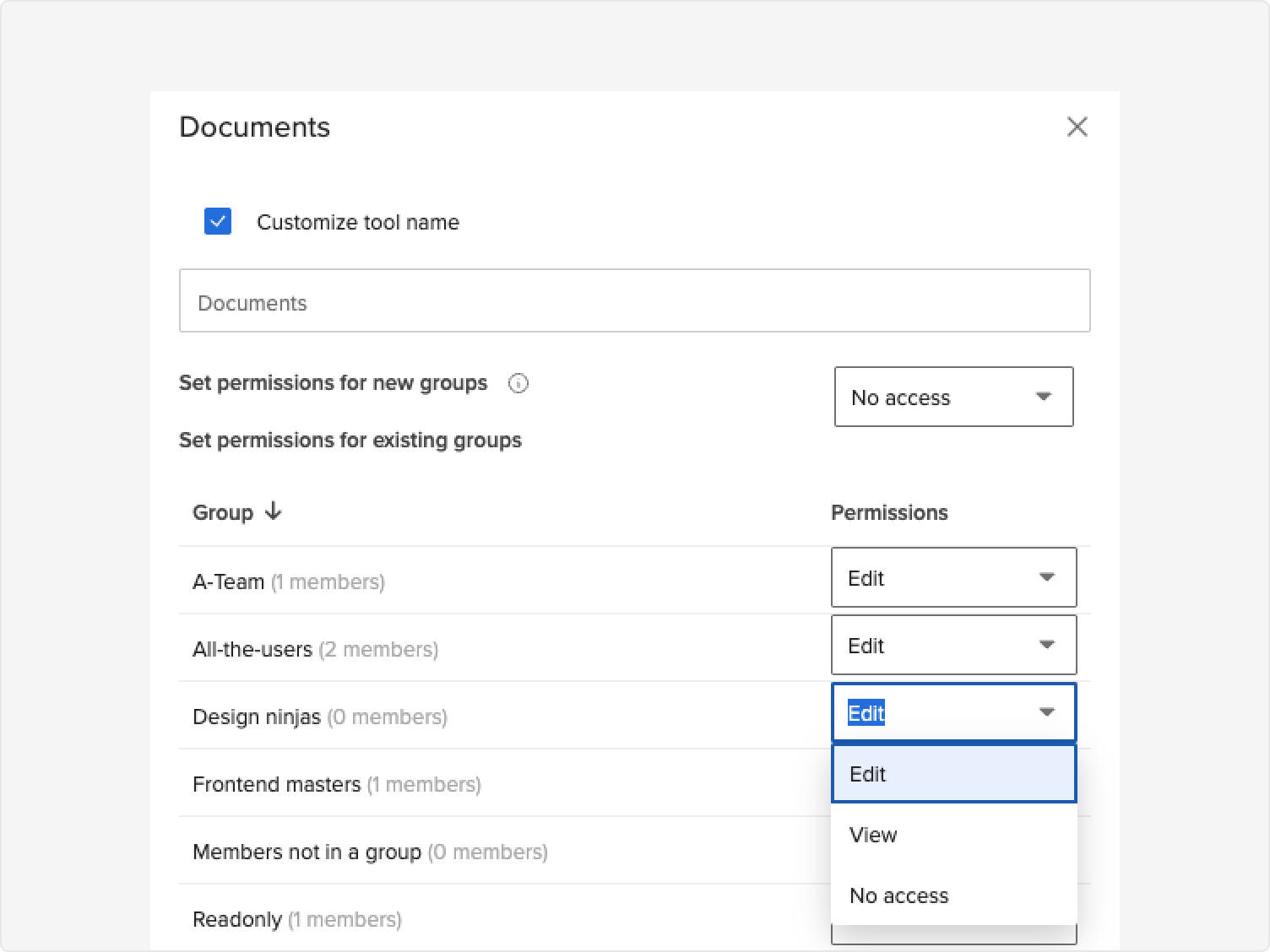
Managing permissions across diverse teams and projects was the most complex challenge. Too restrictive and collaboration breaks. Too open and sensitive data is at risk. Administrators were drowning in permission requests; users were locked out of files they legitimately needed.
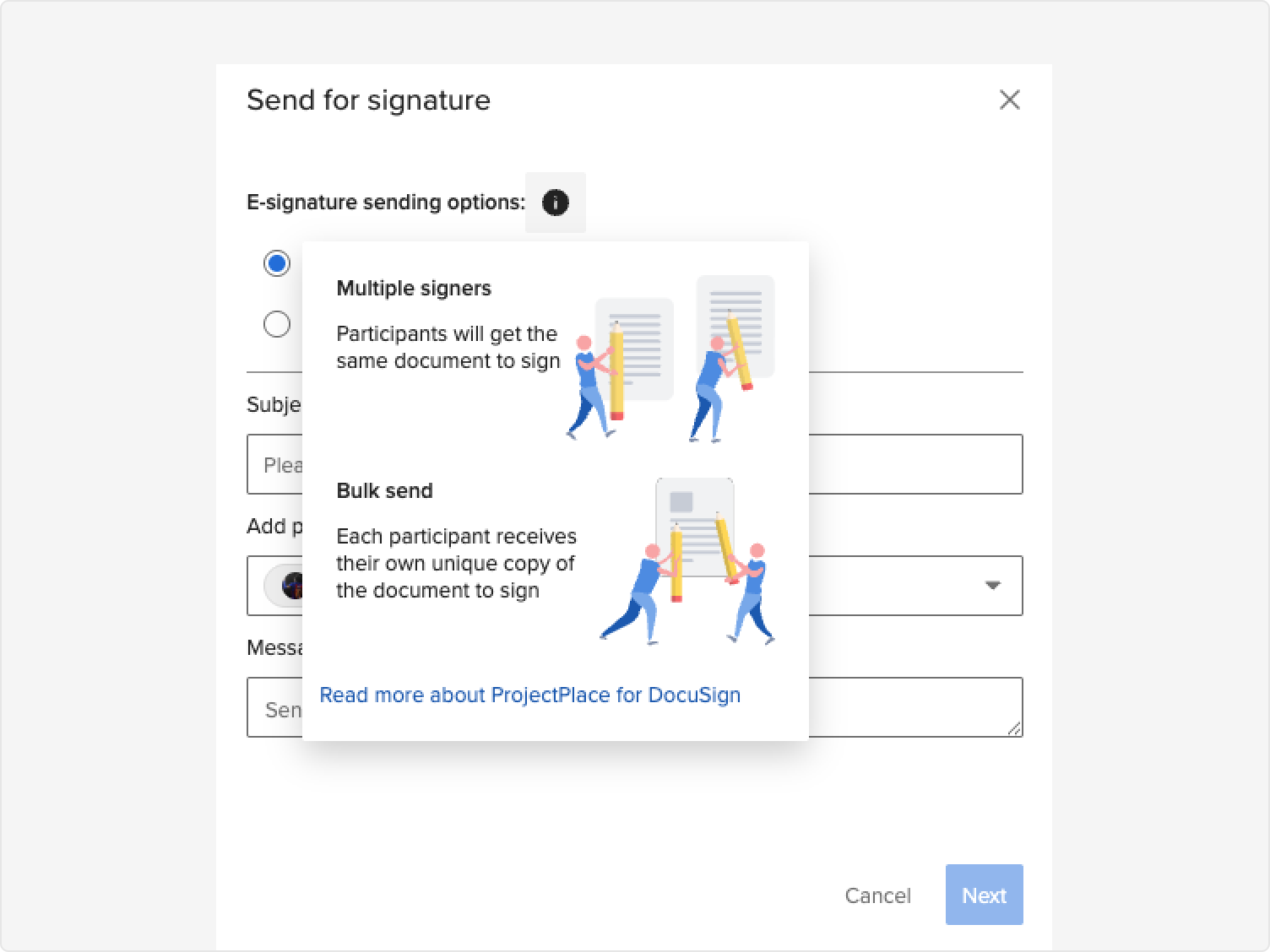
I designed a granular, flexible RBAC system that let administrators define roles and permissions at a fine-grained level — and adjust them quickly as project needs evolved. The interaction design kept the experience frictionless for end users while giving ops full control behind the scenes.
I led this project end-to-end, from research through launch. I partnered closely with the PM to pressure-test scope, sequence work, and decide what not to build — prioritizing adoption over feature breadth. I worked with engineering to define integration architecture, edge cases, and interaction behavior, reviewing implementations for fidelity throughout.
I ran multiple brainstorming sessions and design sprints with the broader team — including sales, marketing, and customer support — to ensure the final experience reflected real user needs and aligned with business goals.